Azure Linux VM Patch fails: Sudo status check failed
Symptoms
A new Linux Virtual Machine is connected to Azure Update Manager but is failing with the following error:
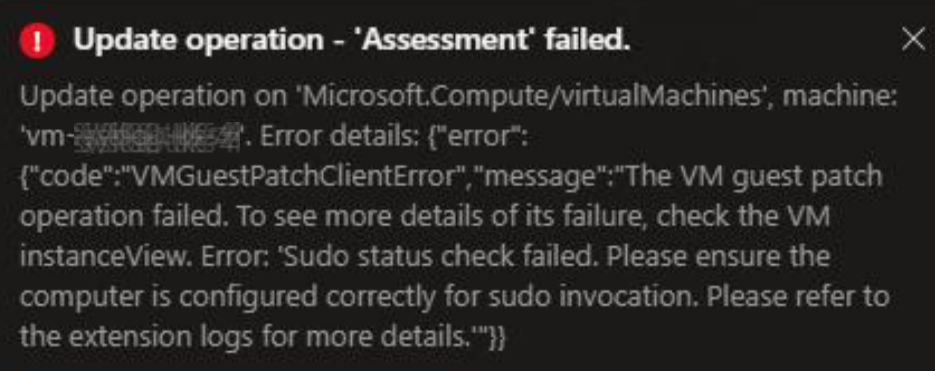
Update operation - ‘Assessment’ failed
Update operation on ‘Microsoft.Compute/virtualMachines’, machine: ‘myVMname’. Error details {“error”:{“code”:“VMGuestPatchClientError”,“message”:“The VM guest patch operation failed. To see more details of its failure, check the VM instanceView. Error: ‘Sudo status check failed. Please ensure the computer is configured correctly for sudo invocation. Please refer to the extension logs for more details.’”}}
The VM is newly deployed from a reliable marketplace template, and it has network connectivity.
Cause
In my particular case this was caused by an unreachable DNS server. Azure Update Manager was instructing the Ubuntu VM to run an apt-get update command or similar to retrieve the current patches but the VM was unable to resolve the FQDNs for the Ubuntu patch repositories.
Solution
- Confirm the DNS server is reachable from the new Virtual Machine.
- Confirm the DNS server can resolve the names of the repositories.
- Check for updates manually from the VM console with
sudo apt-get update(or equivalent).